' href='data:image/webp;base64,UklGRtQAAABXRUJQVlA4IMgAAABQBQCdASogACAAPq1InkmmJKMhMAwAwBWJQBOmUAS3hv74WZLkSUrOPEboBfjg19BgIAAA/FpmuVGHvM3UYadi1DLSACSkSnJseQfVPH6Yz2JIfEWBcUjzMhHOfF4UpQ8ZISGtqBTfs4smN8+muw60KPMmOIsAqSyZBQ/3jzKJmTrv28Q/FjOz/IdVFsuuaso+m0xIVBqRofX7SO7IGff+/fs0MeCJqmHY6BQ3qOwnyy5mU6bgJBj+eF/PO+e4ePAmSFSmUQAAAA=='/%3E%3C/svg%3E)

NEW Dyed Filter: Salon Color in One Tap
Try salon quality hair coloring with the new Dyed filter in FaceApp.
Table of Contents
A new hair color can completely refresh a portrait. The new Dyed filter recreates professional salon coloring while preserving the original hairstyle, facial features, lighting, and overall look of the photo.

What is the Dyed filter
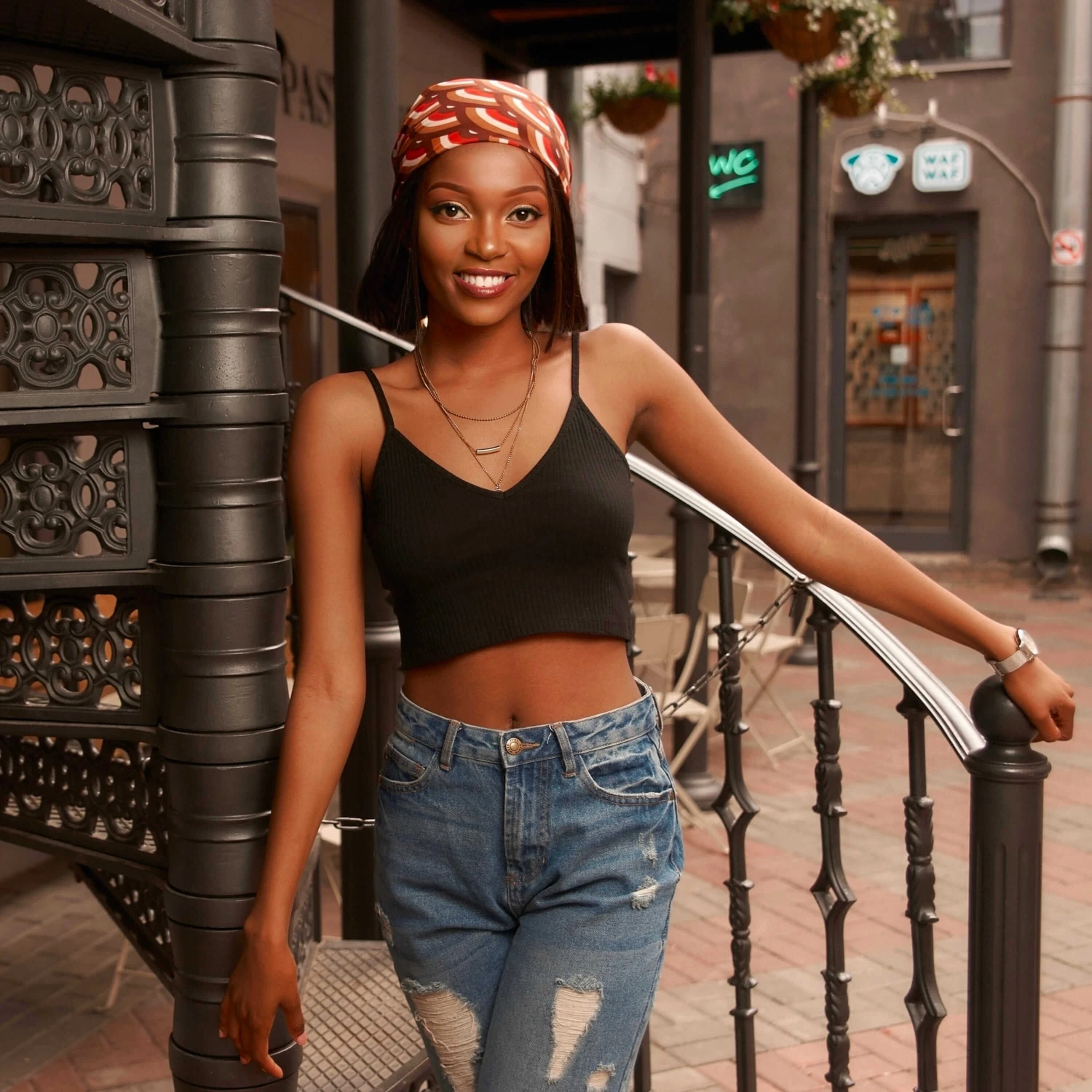
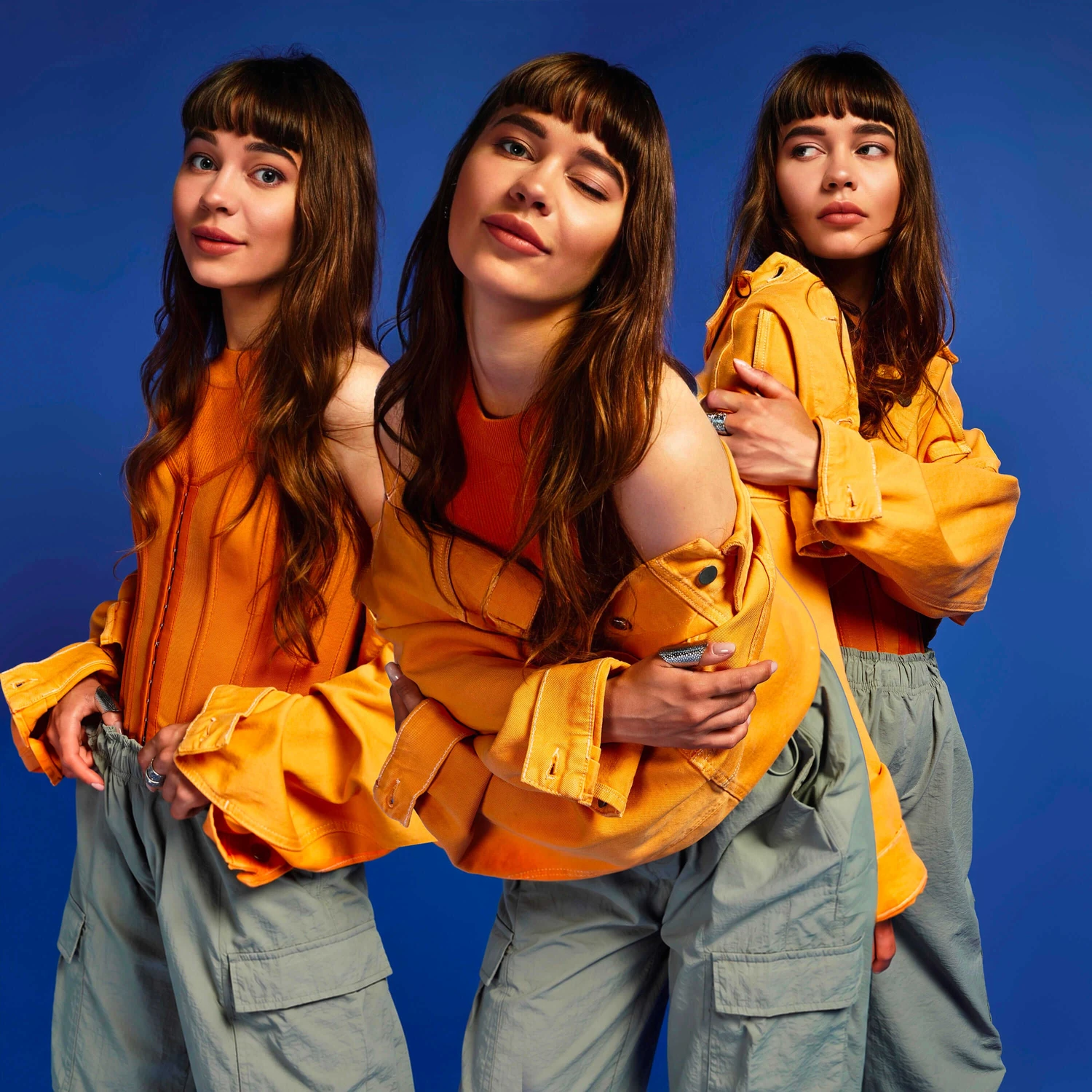
Dyed is a new FaceApp filter created for female profiles. It gives hair a rich, polished color with natural tonal transitions and shine. The effect looks dimensional and carefully applied rather than flat or artificial.
How to apply it
- Open a female portrait in FaceApp.
- Go to Hair Color.
- Select Dyed.
- Choose the intensity that works best for your photo.

Five intensity levels
The Dyed filter offers five intensity levels. Level one creates a subtle color update. Higher levels gradually add more saturation, depth, and shine. Level five delivers the strongest salon coloring effect.
For the most natural result, start with a lower level and increase the intensity until the color complements the lighting and original hair texture.