' href='data:image/webp;base64,UklGRiQBAABXRUJQVlA4IBgBAACwBgCdASogACAAPrVKnUmnJCKhMAgA4BaJaACdHYCQ/uhdK8D3UZj7nG1f4xtErJ8o+I/zO2IywPXW7sXwAAD+/cUc0/3Fi9u0QfOccEpQL0oK253ubPu4kOgZr0muvi4gmlnH8pu3o4h/RikUPJnixtktz8D6OK0mrzj/kDJ6ErdrWBNUT6GSL9/IyykJcYpbstdNv4fn5BbntBYxVSMcJbX7sBxzW3V/DpklCBPm+j2CS4QjsXIJjeroIGNWp0R+aulBFU3vydsx640Pxr4VCzvnI98BEf5Ea4R1UkFb6fM8CudFJfCZ563kFWhZdifXqExiLZsbOFIYV0rJAt+e4trRJeOEiQ0h9RqmESaCGvJRM5VnCAAA'/%3E%3C/svg%3E)
NEW Blowout Filter: Fresh Blow Dry Volume
Table of Contents
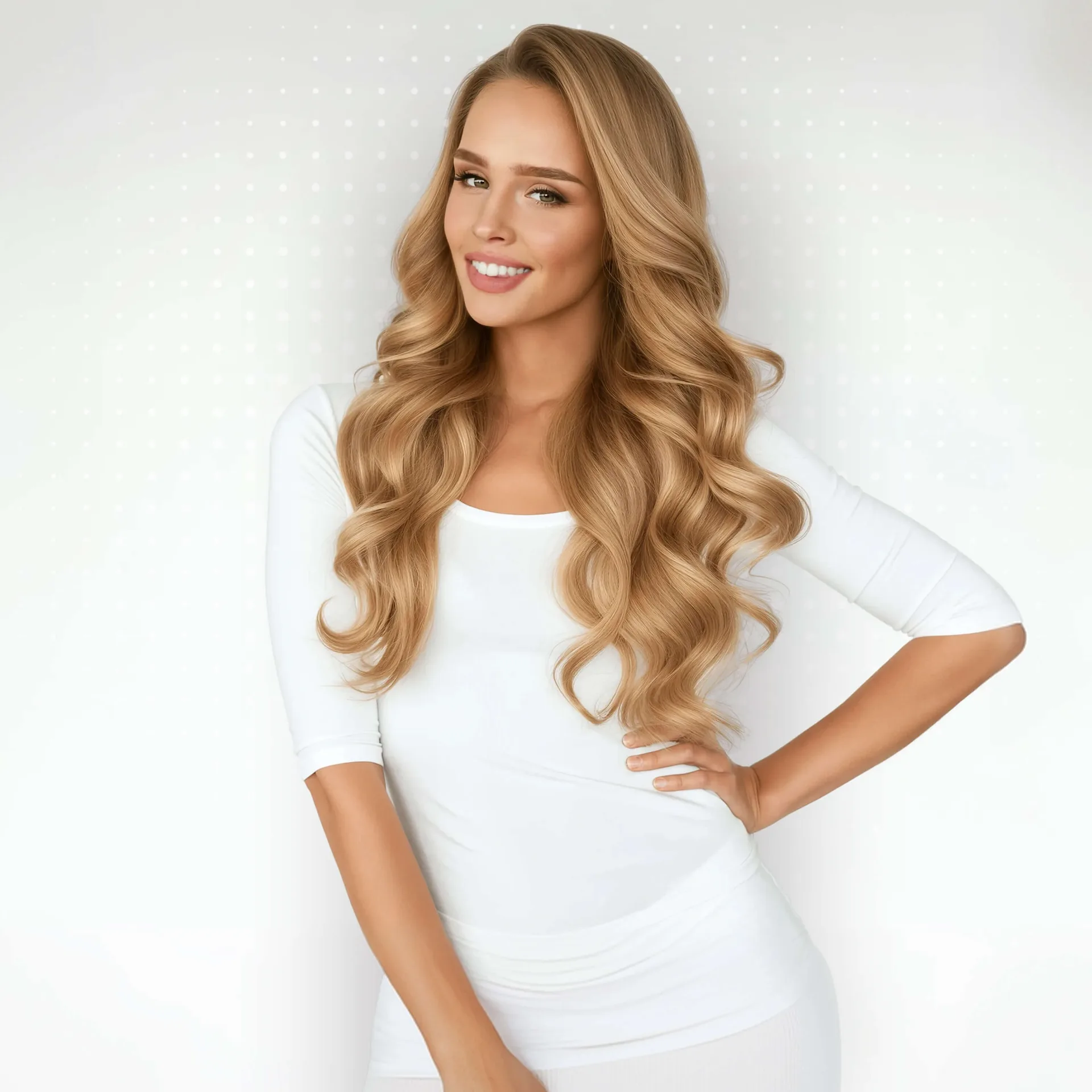
The new Blowout filter has arrived in FaceApp. It adds shape, volume, and a polished finish to hair, like a good salon blow dry. Think of visiting your favorite stylist and asking for a beautiful evening blowout. Only without the appointment, the commute, the chair time, or the extra line in your budget.
What Blowout Does
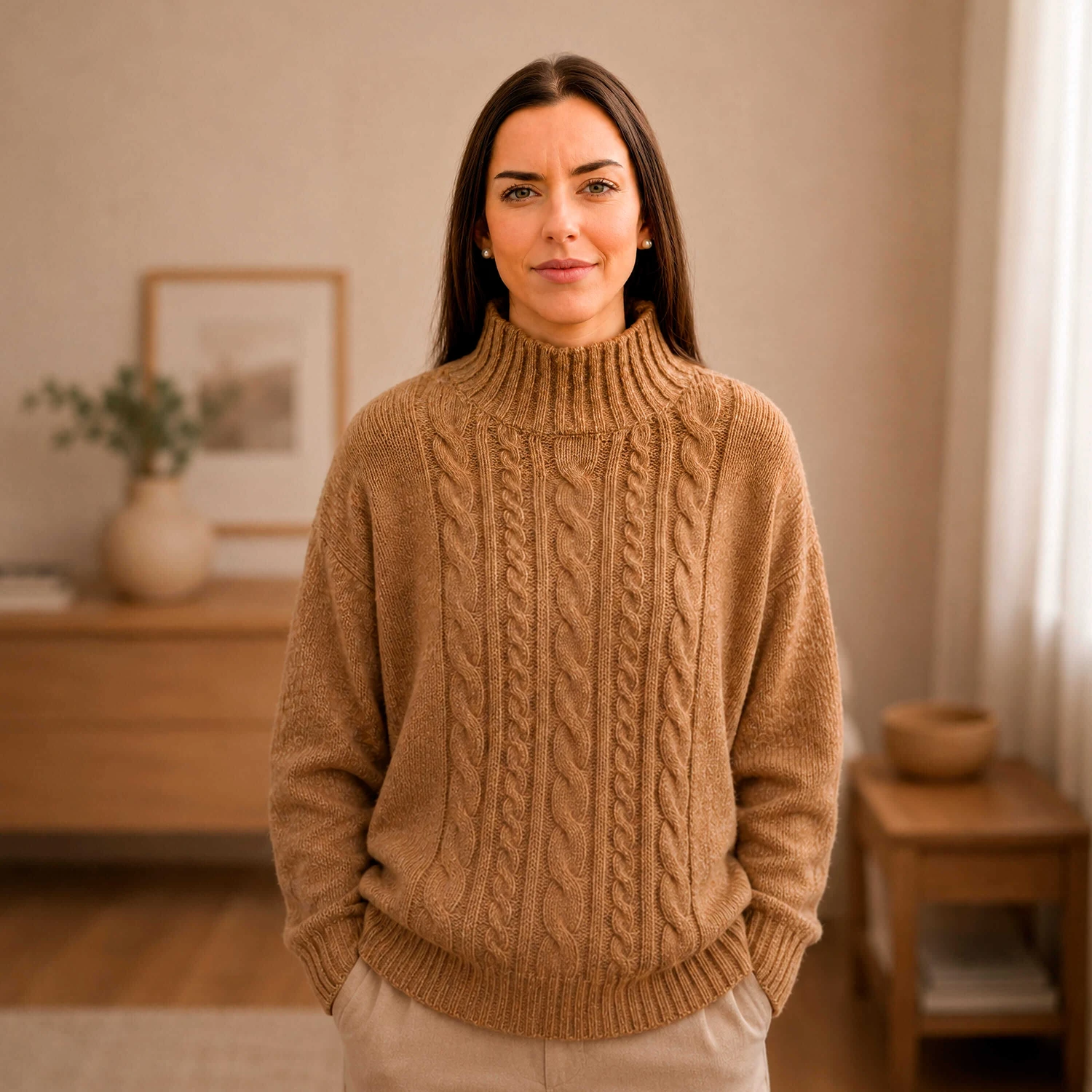
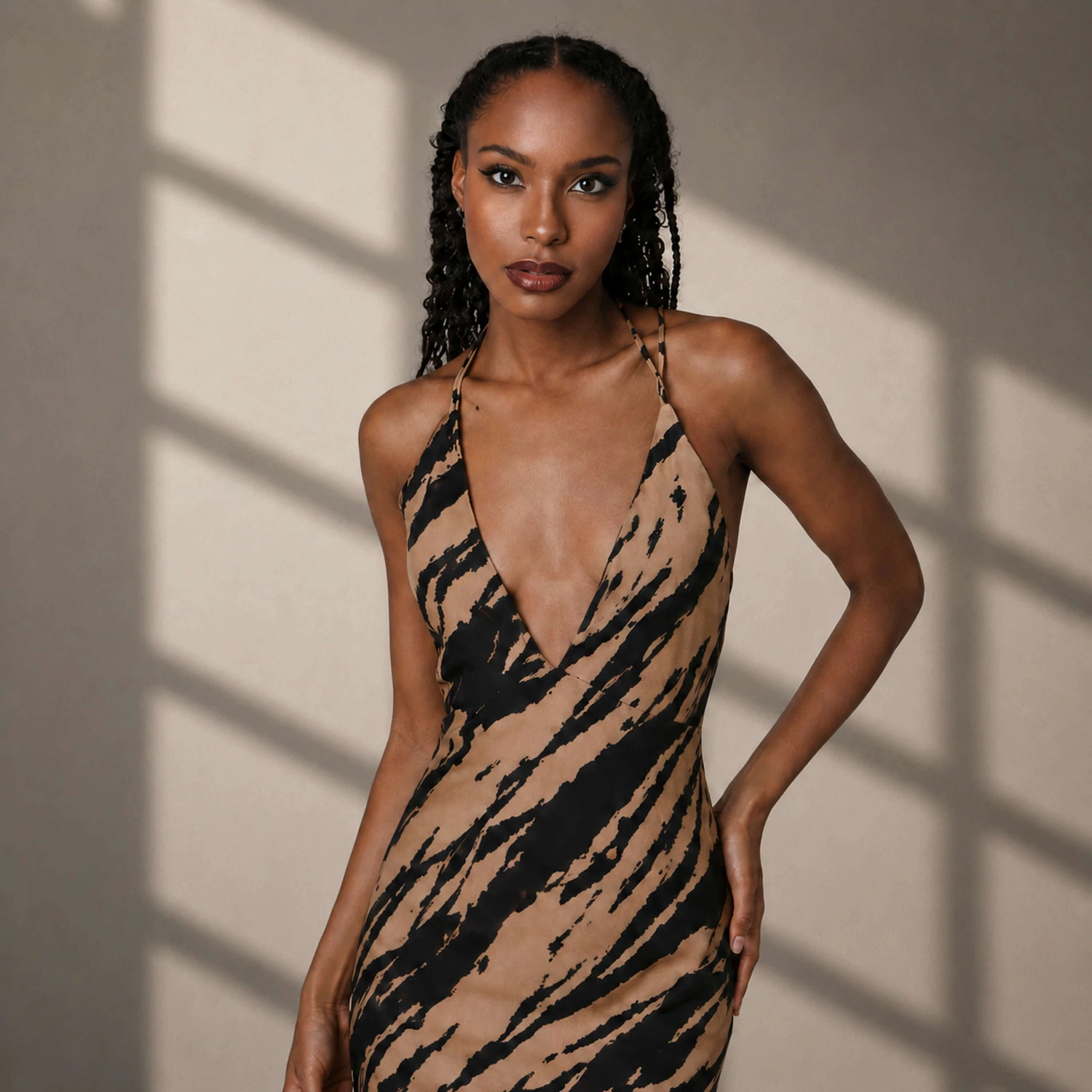
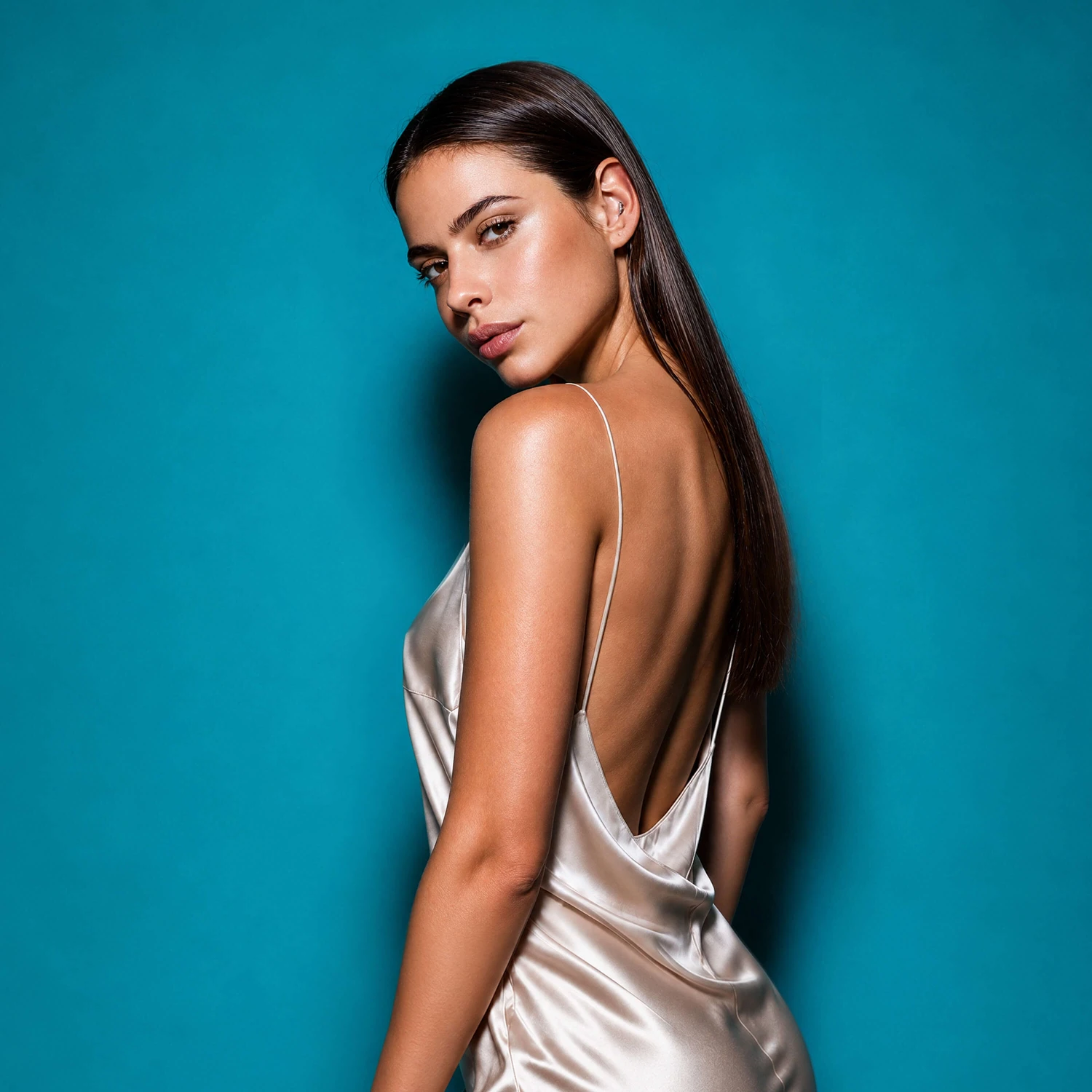
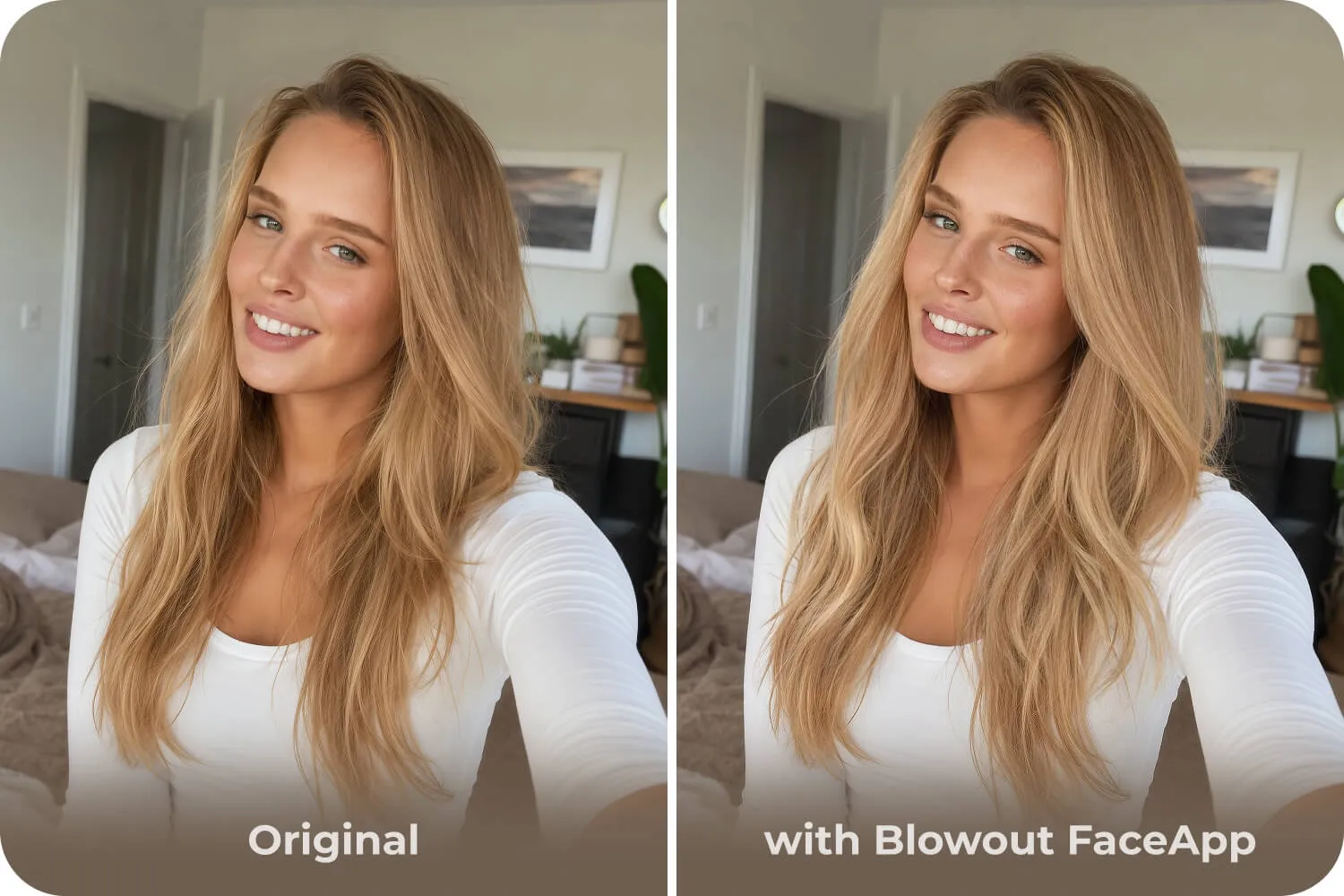
Blowout creates the look of a fresh blow dry. Hair appears fuller at the roots, the length looks smoother, and the strands around the face frame the portrait more neatly.
The filter has five strength levels. Lower levels create soft, natural volume. Middle levels add more visible shape and fullness. Higher levels create a glossy result with a stronger salon-style effect.
How to Apply Blowout
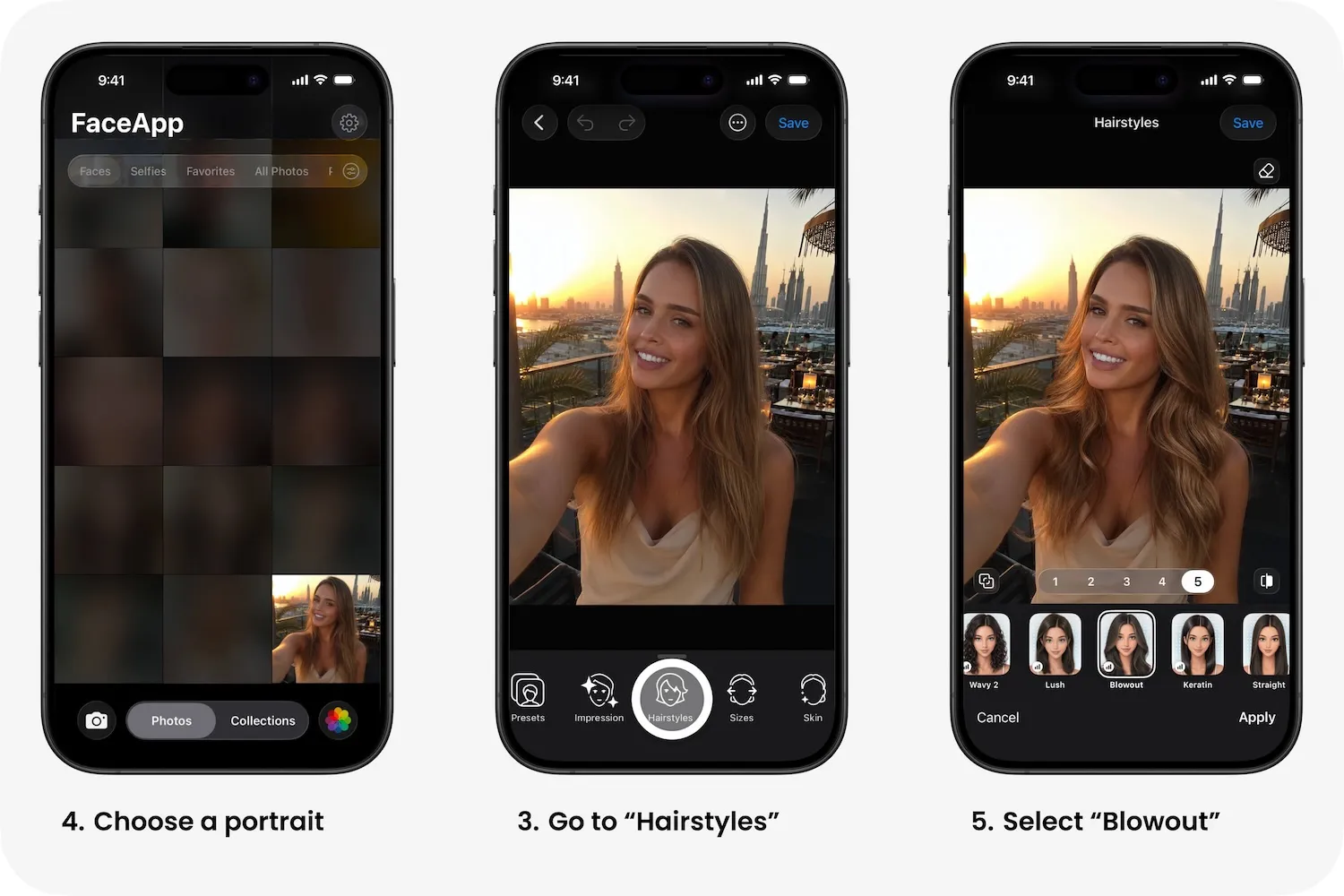
Open FaceApp. Choose a photo. Go to Hairstyles. Select Blowout. Adjust the strength from 1 to 5. Tap Apply.
For profile photos and business portraits, a more subtle effect usually works best. For beauty shots, evening photos, and social content, a more expressive result can fit the image better.
Best Photos for the Filter
Blowout works best on portraits with visible loose hair: selfies, profile photos, dating app pictures, travel portraits, and close-ups.
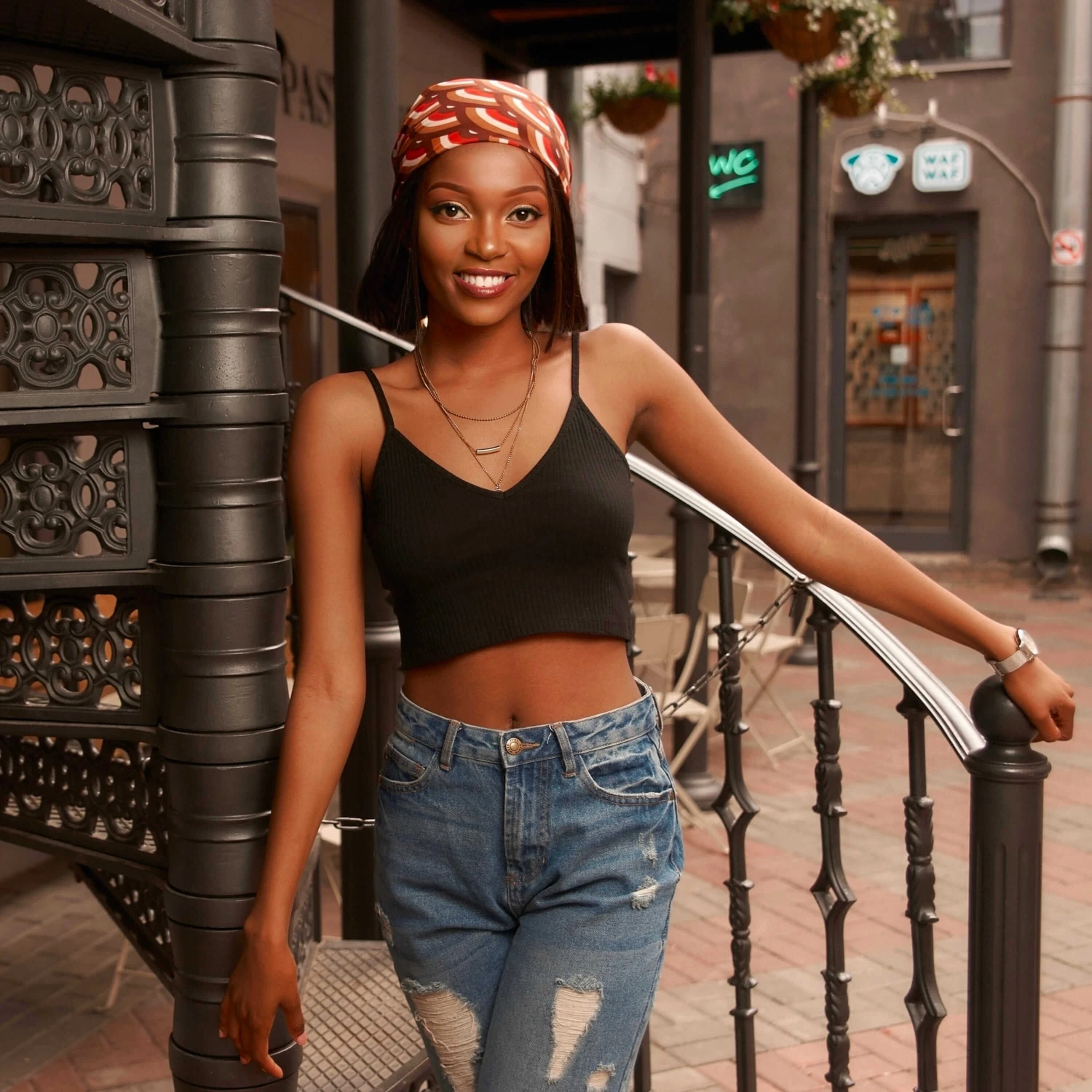
The filter is less suitable for photos with headwear, wet hair, strong wind, harsh shadows, or many strands covering the face. For these images, lower strength usually looks more natural.
A good result is visible in the hair, not in the filter. Hair looks styled, while the photo still feels natural.