' href='data:image/webp;base64,UklGRowBAABXRUJQVlA4IIABAAAQCACdASogACAAPrVMn0mnJCKhMAgA4BaJZgCxH2S9BGgmf4gIxEsgTIFiXcbgQ4Ep0kMuHSDSALy7vQN5vaqombpxLLL1hR4AAP7rvm1uDs/zoD92KRYFoLpA4sG0uoSyZqb698IfcmT9GAX6Qv72e1x/Siin4MIVGKcZkULDW6siyX0dhngQsczfwhrVl+gZ1sOatJ6MVpsnutEcyW5xvtIDud94lGUdizZsqLT2rxRXPr1eRz2NmJdP/DWoLOU3qsYoy9ERIfg58sAYSYPFRwAgMQWTfLCzuJLApRSDat+Ops4KMAuhwMhfcQiWlGZiYEwvv1uArR6Ytr2VBPT5xKTkounadiEbr5sbViun4wOok8JNmzHeMc9mwzdjPpqcCdG64Jrg+DjRup4Wvgi2OfKxuXrevRTHDwOUyHpOM3nqXgIFZ8ZqljCKbjUsRpQ/II0vyPZ+7jOgR1YmUm7jxIlZaCsFATaelhpnsx15GUd2iKSnwCDTgNxogCfGAAA='/%3E%3C/svg%3E)

Editing on the Go: How to Create Great Photos Anywhere
Table of Contents
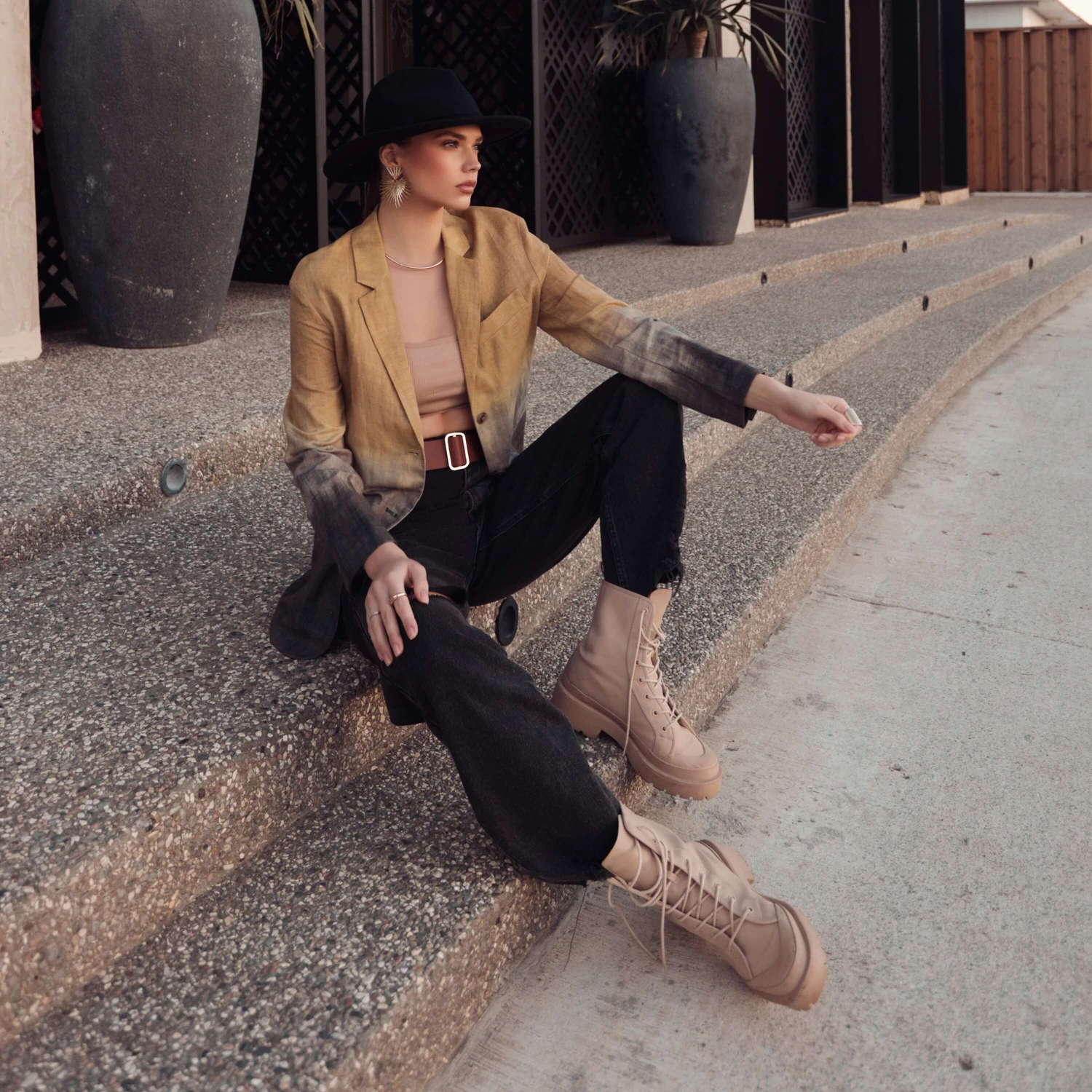
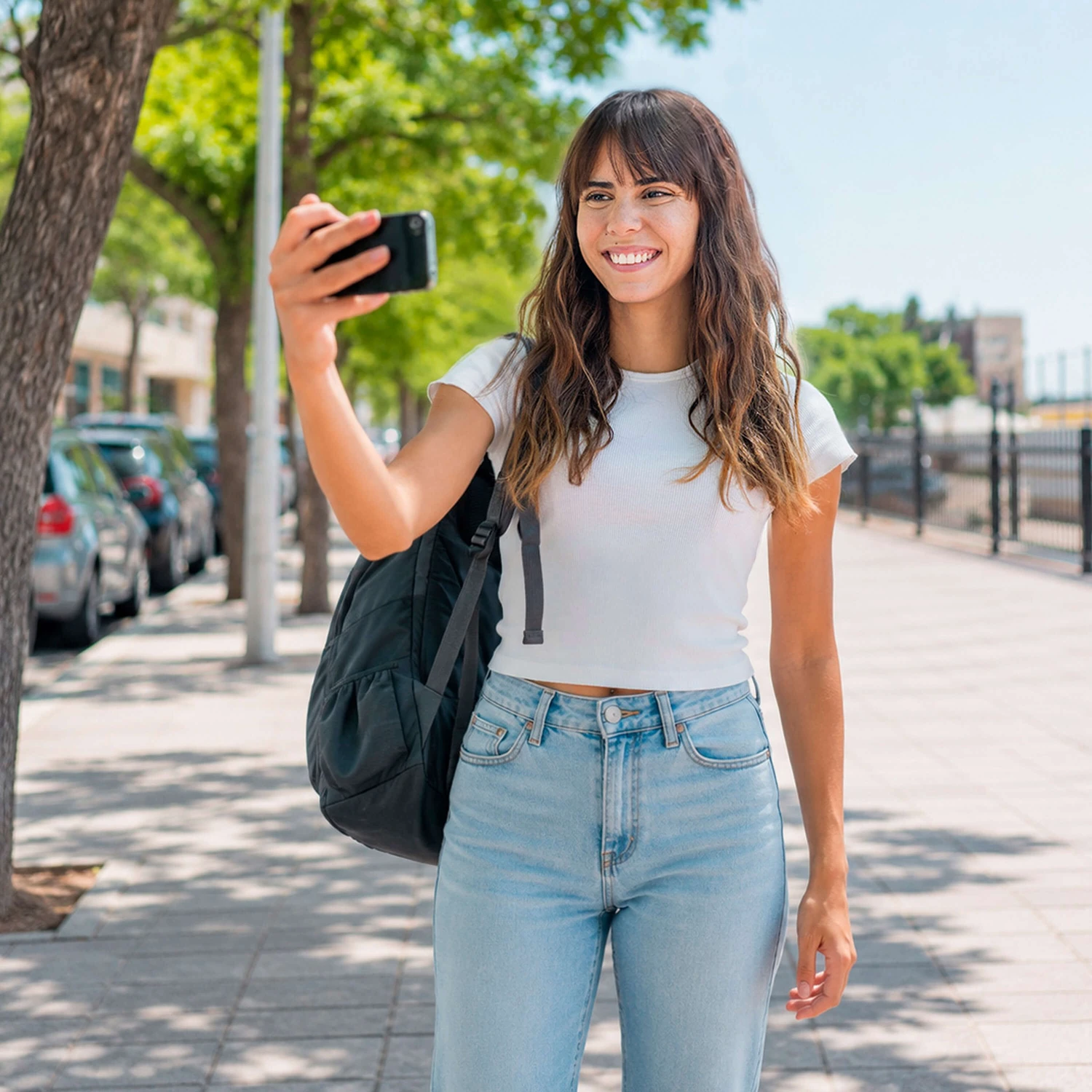
Today’s creators rarely edit at a desk. Photos are adjusted between meetings, on public transport, at cafes, or right before posting. But mobile photo editing comes with its own challenges: small screens, shifting lighting conditions, and limited time can make edits feel rushed or inconsistent.
Core Editing Principles
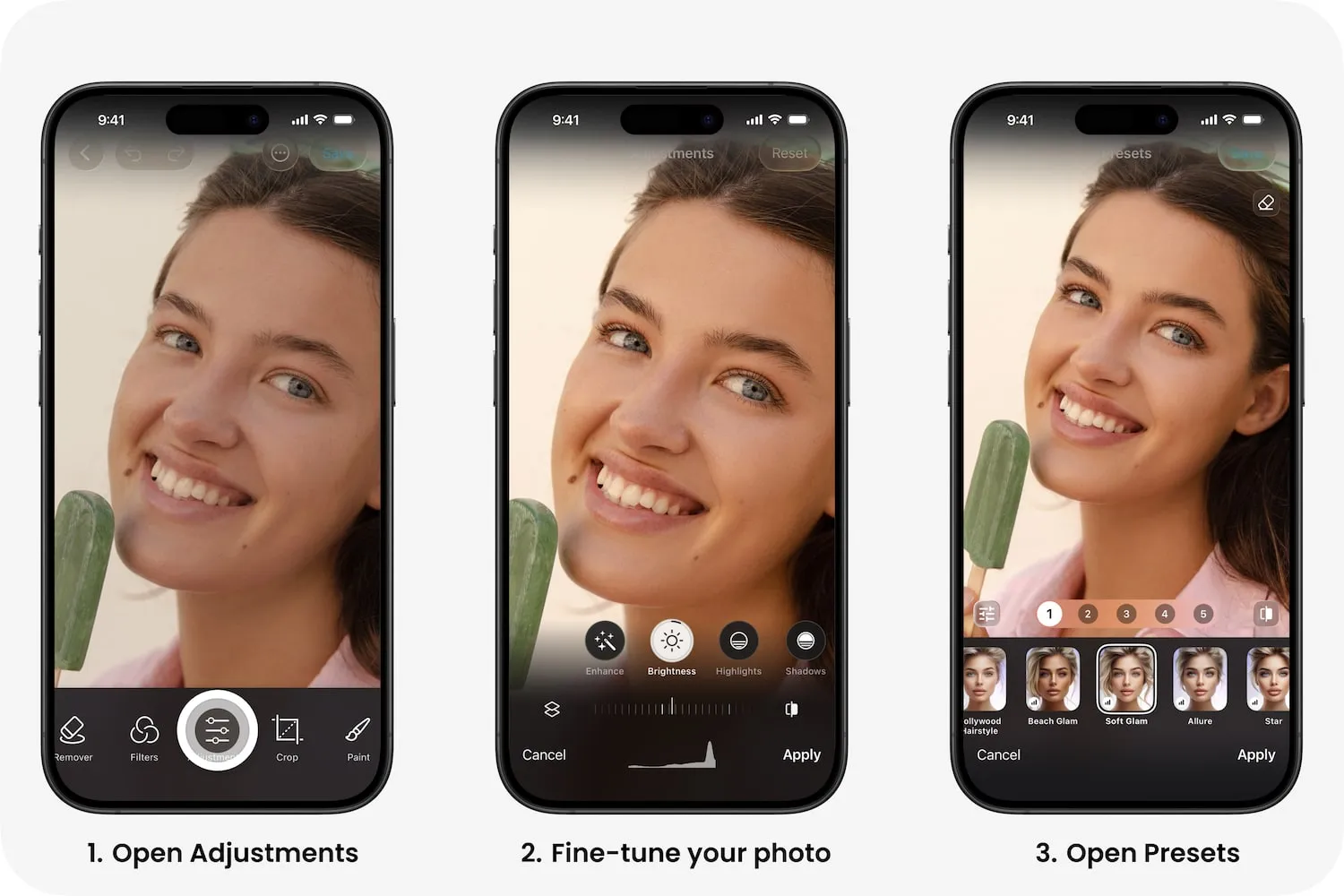
When you’re editing on the go, start with essential adjustments. Don’t do more, just be more precise. Brightness, contrast, and overall tone have the biggest visual impact. Getting these right first helps your image look balanced instantly, without diving into minor details.
Next, use presets (available with PRO) to create consistency quickly. Presets provide a reliable base that keeps your style recognizable. This is especially helpful when working within a mobile creator workflow, where speed and predictability matter.
Maintaining Quality on Mobile
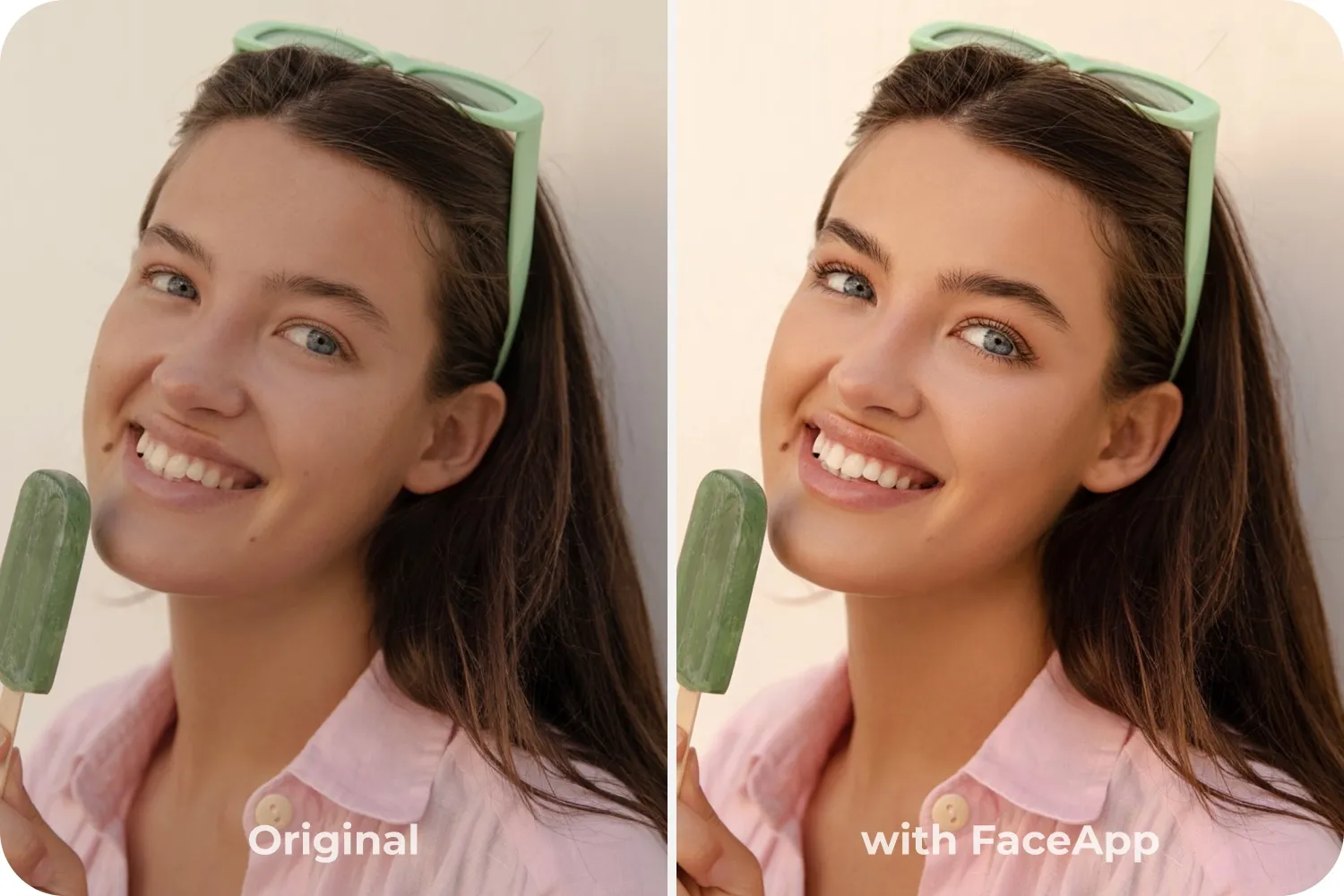
It’s also important to avoid over-editing on a small screen. Details can look stronger on a phone than they will elsewhere. If possible, briefly check your photo in different lighting — indoors and near natural light — to make sure skin tones and contrast still feel natural.
These simple photo editing tips for creators help prevent rushed decisions while keeping the process efficient.
Tools and Workflow
With FaceApp mobile editing, the workflow is designed for exactly these moments. An intuitive interface keeps adjustments clear and accessible. One-tap enhancements handle foundational improvements in seconds. Face-aware tools help maintain realistic proportions and skin tones. You can even save favorite combinations for faster, repeatable results when you need to edit photos on phone quickly.
Mobile editing doesn’t have to mean compromising quality. With the right habits and tools built for speed, you can create polished, consistent images wherever you are — confidently and efficiently.