Time-Saving Tips for Photo Editing
How to Edit Photos Faster: Time-Saving Tips with FaceApp
Speed up your photo editing workflow with FaceApp. Use presets, automation, and high-impact edits for fast, consistent results.
Table of Contents
- Why photo editing feels slow and overwhelming
- Start with one-tap enhancements
- Build a faster, smarter editing workflow
- FAQs
Why Photo Editing Feels Slow and Overwhelming
Photo editing shouldn’t feel like a second job. Yet for many everyday creators and beginners, post-production is where momentum slows down. Long workflows, too many tools, and endless fine-tuning often turn editing into a chore — delaying posts and draining creative energy.
The truth is, great results don’t require complex processes. With the right approach, fast photo editing is less about doing more and more about doing the right things first.
Here are a few time-saving photo editing tips that help speed up post-production without sacrificing quality.
Start with One-Tap Enhancements
Start with one-tap enhancements. Instead of adjusting every parameter manually, begin with automated tools that instantly balance light, color, and skin tones. This creates a solid base in seconds and eliminates most of the repetitive work.
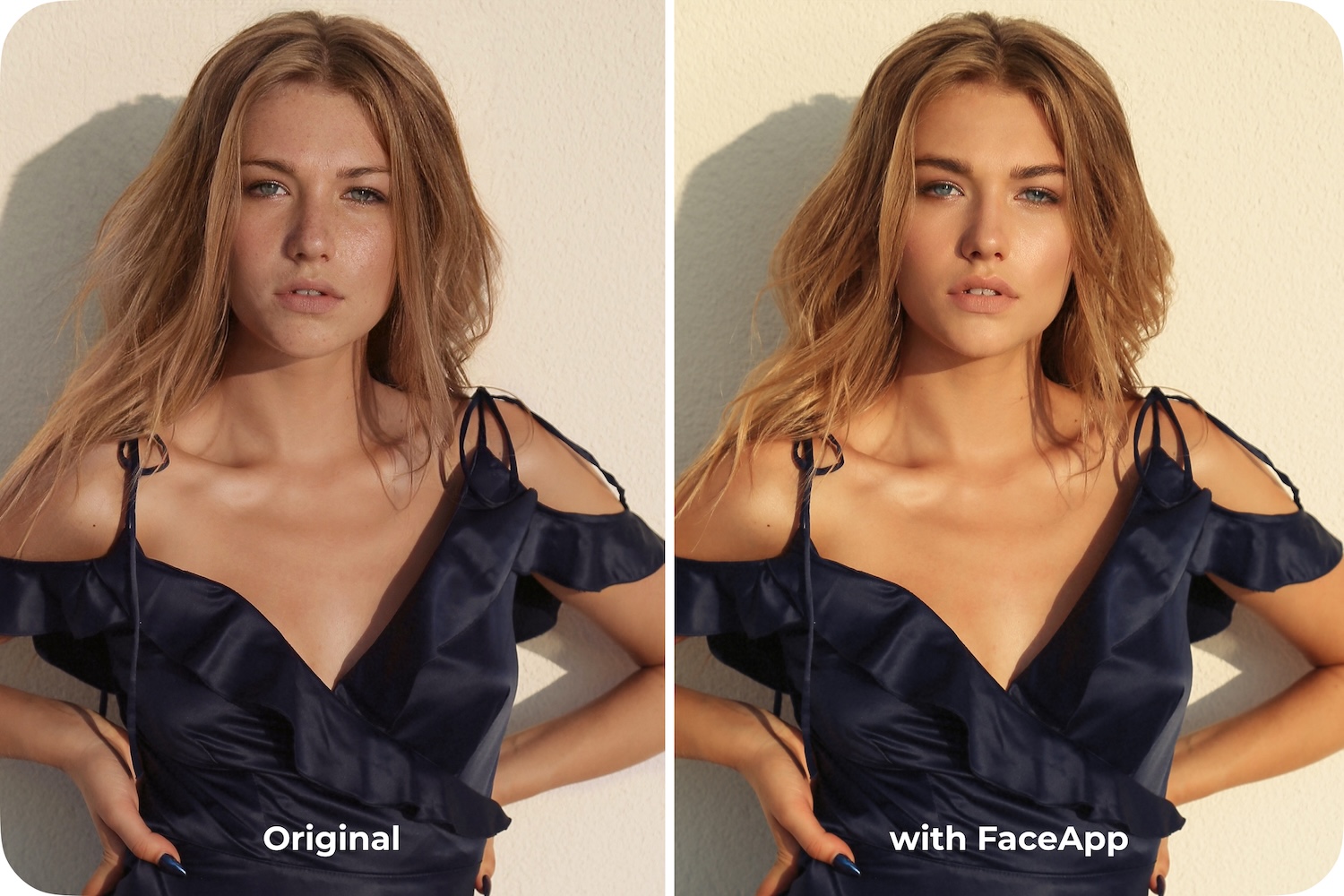
Use presets before manual edits. Presets establish a consistent look right away, making quick post production possible from the very first step. Once the overall style is set, only small adjustments are needed — not a full rework.
Focus on high-impact edits first. Exposure, color balance, and overall tone matter more than tiny details. Prioritizing these elements helps you edit photos in seconds, not minutes, while still achieving a polished result.
Avoid over-refining! Perfecting every small detail rarely changes how a photo is perceived, but it always adds time. Efficient editing means knowing when to stop.
Build a Faster, Smarter Editing Workflow
This is where a streamlined FaceApp editing workflow makes a real difference. Filters, face-aware tools, and intuitive controls work together to deliver consistent, natural results quickly. Instead of jumping between features or learning advanced techniques, users can rely on smart automation that adapts to each photo.
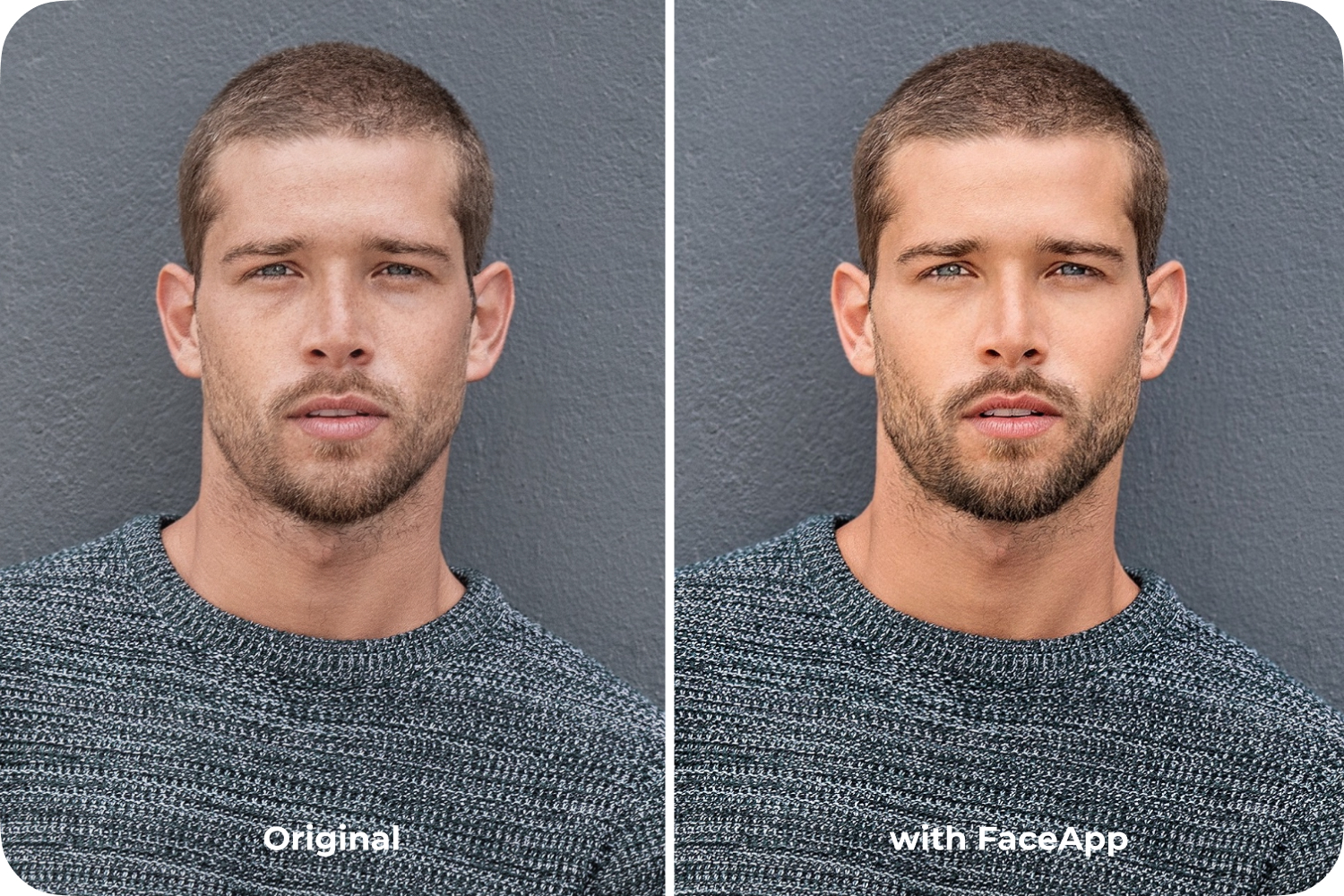
For people with busy schedules, efficient photo editing is about speed, simplicity, and reliability. When editing fits seamlessly into your routine, posting feels immediate again — and creativity stays in motion.
FAQs
Q: How can I edit photos faster without losing quality?
A: Start with one-tap enhancements and presets to create a balanced base, then make only small, high-impact adjustments.
Q: What are the most important edits to focus on first?
A: Exposure, color balance, and overall tone have the biggest visual impact and should be prioritized.
Q: Do presets really save time in photo editing?
A: Yes. Presets apply a consistent style instantly, reducing the need for repetitive manual adjustments.
Q: Is FaceApp suitable for quick post-production workflows?
A: Absolutely. FaceApp combines automation and intuitive tools to deliver fast, reliable, and natural-looking results.